In the first post of this series I showed how to spin up a local HTTP server inside a NativePHP app for OAuth callbacks. In the second, I turned that into a local API that external tools can talk to.
This post ties it all together: a CLI companion that extends your desktop app into the terminal. Your NativePHP app already ships with PHP, so you can build a standalone CLI powered by that bundled binary. No PHP required on the user's machine. Think phpacker, but backed by your app's database and local API, with full Laravel Prompts support.
The examples are taken from Devkeepr, a NativePHP desktop app I'm building for managing local dev environments. But the interesting part isn't what this specific CLI does. It's how a standalone executable discovers and communicates with a desktop application that may or may not be running.


The examples here are macOS/Linux only. The architecture ports to Windows too. You'd swap the bash wrapper for a
.bator PowerShell script and adjust the install path.
The Architecture
Bash wrapper → finds the right PHP binary and launches the CLI script.
PHP CLI application → a Symfony Console app that handles user interaction.
SQLite database → the CLI connects directly to the app's database for reads.
HTTP client → talks to the desktop app's local API over 127.0.0.1.
Local API server → the same ChildProcess pattern from the previous posts, running inside the desktop app.
The Local API Server
Same pattern from the API post. The server grabs a free port, spawns PHP's built-in server, and writes a config file to ~/.devkeepr/cli.json:
namespace App\Services\Cli; use Native\Desktop\Facades\ChildProcess; class CliServer{ public const ALIAS = 'devkeepr-cli-server'; public function start(): void { if ($this->isRunning()) { return; } // Grab a free port $port = $this->findAvailablePort(); Cache::forever('cli.port', $port); // Spawn PHP's built-in server as a child process ChildProcess::php( cmd: ['-S', "127.0.0.1:{$port}", base_path('app/Services/Cli/server.php')], alias: self::ALIAS, persistent: true, ); // Write config so the CLI knows where to connect $this->writeCliConfig($port); } protected function writeCliConfig(int $port): void { // Ensure the config directory exists $configDir = ($_SERVER['HOME'] ?? getenv('HOME')) . '/.devkeepr'; if (! is_dir($configDir)) { mkdir($configDir, 0755, true); } // Write the port and database path for the CLI to discover file_put_contents( $configDir . '/cli.json', json_encode([ 'port' => $port, 'database' => config('database.connections.nativephp.database'), ], JSON_PRETTY_PRINT | JSON_UNESCAPED_SLASHES) ); } // ...}That config file is the entire contract between the two processes. port tells the CLI where to send HTTP requests. database gives it direct read access to the SQLite file. The route file follows the same pattern from the previous post. Only cli-api.php is exposed, completely separate from your main application's routes.
The Bash Wrapper
The CLI needs to work in two contexts: during development (where PHP is on your PATH) and inside a bundled .app (where PHP ships with the application).
#!/bin/bash # Resolve the real path of this script (follows symlinks)SOURCE="${BASH_SOURCE[0]}"while [ -L "$SOURCE" ]; do DIR="$(cd -P "$(dirname "$SOURCE")" && pwd)" SOURCE="$(readlink "$SOURCE")" [[ "$SOURCE" != /* ]] && SOURCE="$DIR/$SOURCE"doneSCRIPT_DIR="$(cd -P "$(dirname "$SOURCE")" && pwd)"APP_ROOT="$(cd "$SCRIPT_DIR/.." && pwd)" # Detect if running from a .app bundle or developmentif [[ "$APP_ROOT" == *".app/Contents/Resources/build/app" ]]; then # Production: use bundled PHP PHP_BINARY="$(cd "$APP_ROOT/../php" && pwd)/php" else # Development: use system PHP PHP_BINARY=$(which php) fi exec "$PHP_BINARY" "$SCRIPT_DIR/dk.php" "$@"When a user runs dk, they're hitting a symlink at /usr/local/bin/dk that points into the .app bundle. The resolution loop follows that chain to find where the script actually lives, then checks the directory structure to decide which PHP binary to use.
The PHP CLI Application
The bash wrapper launches dk.php. A standalone PHP script with no Laravel, no Artisan, no service container. It bootstraps what it needs manually:
#!/usr/bin/env php<?php // Load Composer's autoloader (no Laravel, just the autoloader)require __DIR__ . '/../vendor/autoload.php'; $_SERVER['PHP_SELF'] = 'dk'; // Read the config file the desktop app wrote on boot$configFile = ($_SERVER['HOME'] ?? getenv('HOME')) . '/.devkeepr/cli.json'; if (! file_exists($configFile)) { error('Devkeepr is not running. Please start the app first.'); exit(1);} $config = json_decode(file_get_contents($configFile), true); Here's an important architectural decision: you don't need the API for most things. NativePHP uses SQLite, so your CLI can read the database directly. You only need the HTTP API when the running app needs to know about a change. For pure reads, skip the API entirely.
The CLI connects to SQLite through Eloquent's Capsule manager, giving you the full ORM without booting Laravel:
use Illuminate\Database\Capsule\Manager as Capsule; // Set up the HTTP client for commands that need the running app$client = new CliClient((int) $config['port']); // Connect directly to the app's SQLite database for reads$capsule = new Capsule;$capsule->addConnection([ 'driver' => 'sqlite', 'database' => $config['database'], ]);$capsule->bootEloquent();The application extends Symfony's Application with cd as the default command. Any unrecognized command is treated as a search term, so dk myproject searches your projects and teleports you there.
$app = new class('Devkeepr CLI') extends Application{ public function doRun(InputInterface $input, OutputInterface $output): int { try { return parent::doRun($input, $output); } catch (CommandNotFoundException) { // Treat unknown command names as search argument for cd return parent::doRun( new ArgvInput(['dk', 'cd', $input->getFirstArgument()]), $output, ); } }}; $app->addCommand(new ChangeDirectoryCommand($client));$app->addCommand(new LinkCommand($client));$app->addCommand(new ParkCommand($client));// ... $app->setDefaultCommand('cd'); Database Commands
Some commands don't need the running app at all. They query SQLite directly and skip the API entirely.
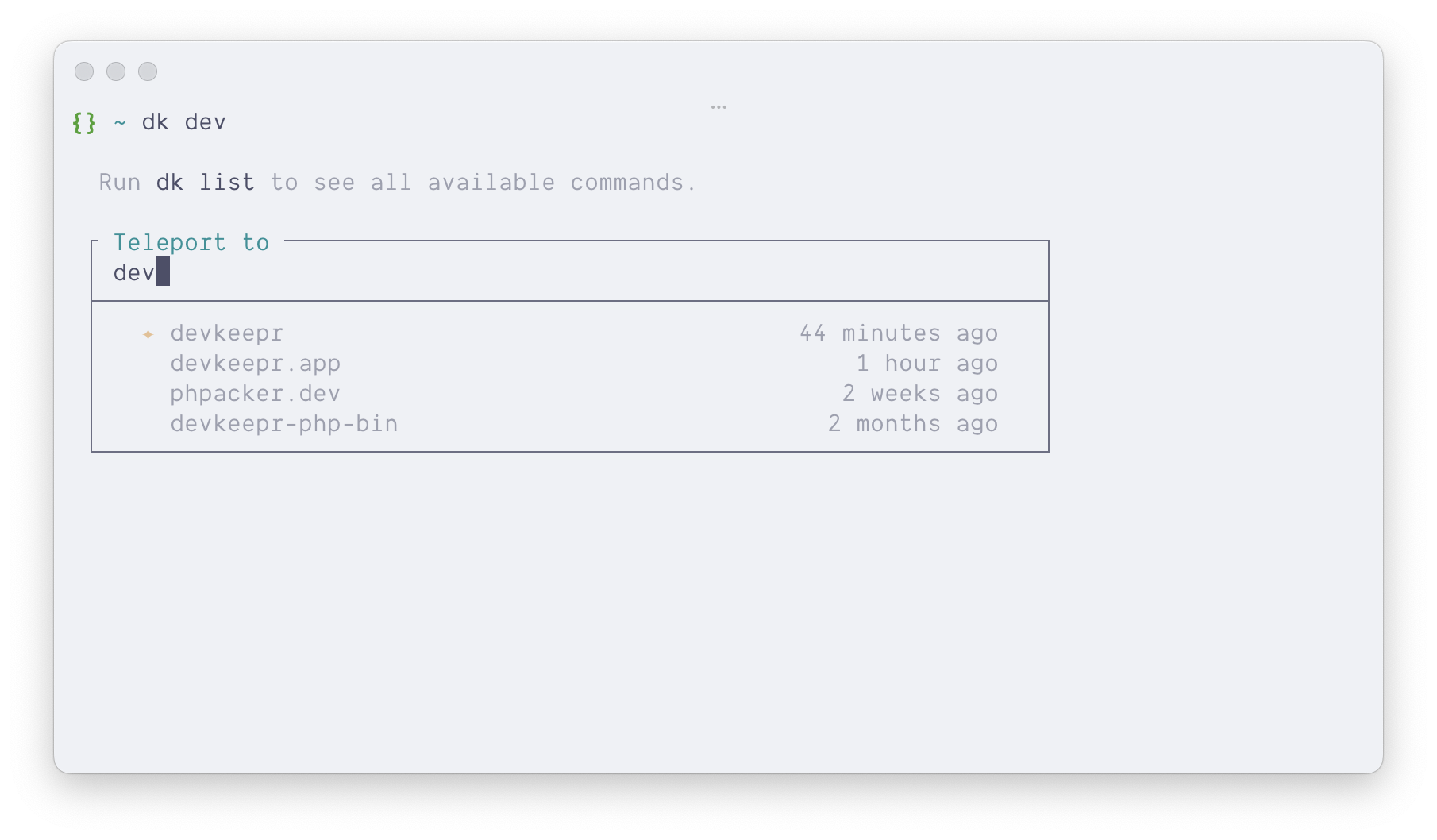
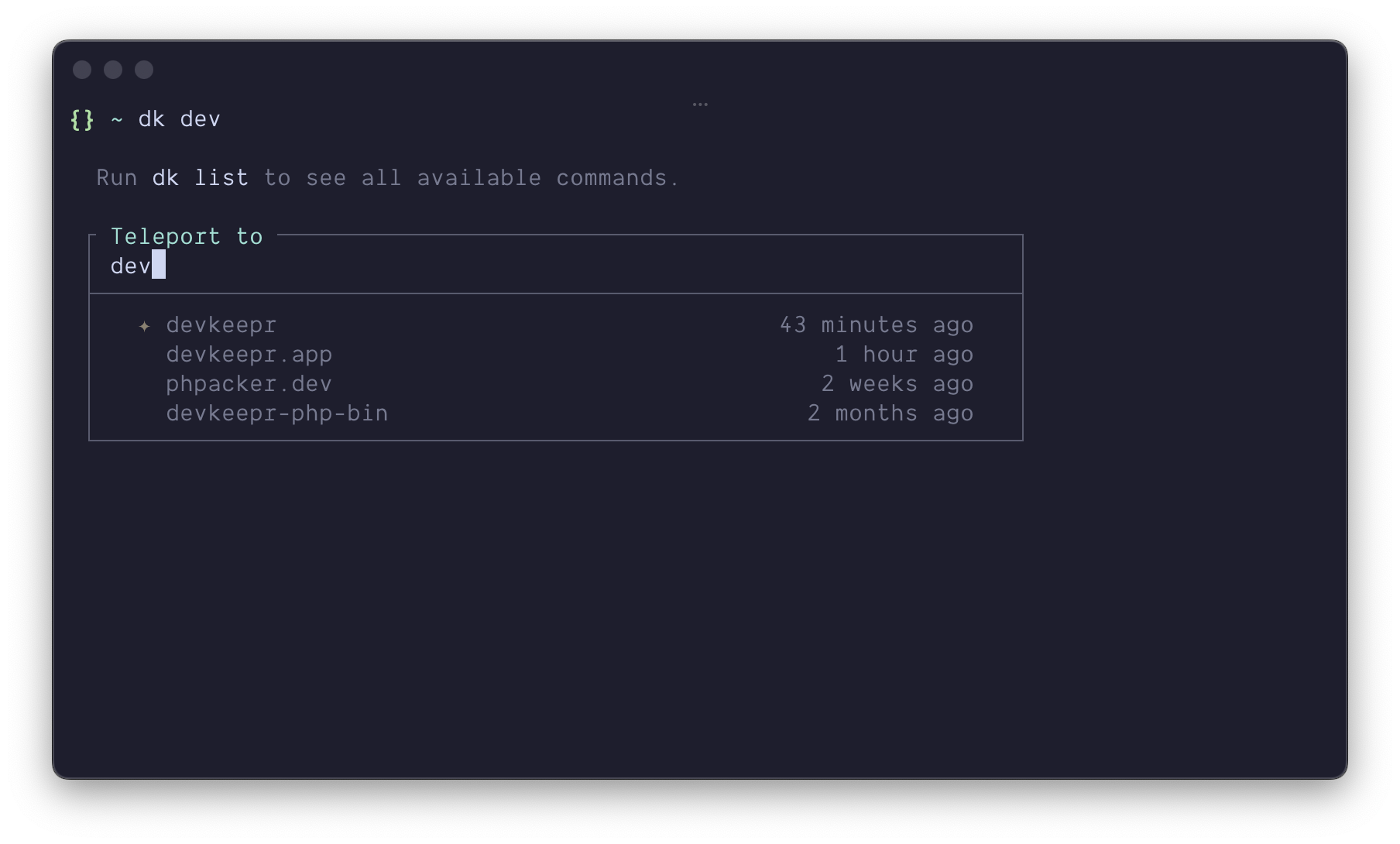
The cd command is a good example. It queries the project database, presents an interactive search with Laravel Prompts, and opens a subshell in the selected directory:
class ChangeDirectoryCommand extends Command{ protected function configure(): void { $this->setName('cd') ->addArgument( 'search', InputArgument::OPTIONAL, 'Filter projects by name' ); } protected function execute(InputInterface $input, OutputInterface $output): int { // Query all projects directly from SQLite $projects = $this->projects(); $query = $input->getArgument('search'); // Skip the prompt if there's an exact match if ($path = $this->hasExactMatch($query ?? '', $projects)) { return $this->openShell($path); } // Show interactive fuzzy search $prompt = new SearchPrompt( label: 'Teleport to', options: function (string $value) use ($projects) { return $projects ->filter(/* fuzzy match on project name */) ->mapWithKeys(fn (Project $project) => [ $project->path => $this->formatLabel($project), ]) ->all(); }, ); return $this->openShell($prompt->prompt()); } // ...}No HTTP involved. The desktop app doesn't even know about it. If the search term matches exactly one result, it skips the prompt and drops you straight in.
API Commands
Commands that change state need the running app. The HTTP client is deliberately simple: no Guzzle, no external library. Just file_get_contents with a stream context pointing at 127.0.0.1. If the request fails, the app isn't running.
For longer operations like hibernation, spin() from Laravel Prompts gives you a loading indicator while the request blocks:
$response = spin( fn () => $this->client->post('/hibernate', ['path' => $path], timeout: 300), 'Hibernating project...');Because the API server runs a full Laravel instance, these requests can dispatch jobs, fire events, and broadcast to the desktop UI. The user runs a command in their terminal, and the app reacts in real time.
The controller dispatches the hibernation job synchronously, does the heavy lifting, and fires a HibernatedProject event when it's done:
class HibernatedProject{ use Dispatchable; public function __construct( public string $path, public int $bytesSaved, ) {} public function broadcastOn(): array { return [new Channel('nativephp')]; }}NativePHP picks up any event broadcast on the nativephp channel and pushes it to the frontend over IPC. In your Livewire component, you listen for it with the native: prefix:
#[On('native:' . HibernatedProject::class)] public function onProjectHibernated(string $path): void{ // The UI updates instantly}The user types dk hibernate in their terminal. The CLI hits the API. The API dispatches the job. The job fires an event. The event broadcasts to the frontend. The desktop app updates. No polling, no refresh button. The terminal drives the app.
This works for any write operation. dk link registers a project and the overview page reflects it. dk wake restores dependencies and the project card updates its status. The CLI and the desktop app stay in sync through events, not through the CLI knowing anything about the UI.
Installation
The CLI needs to land on the user's PATH. A symlink from /usr/local/bin/dk into the .app bundle does the trick:
public function installCli(): void{ $source = base_path('bin/dk'); $target = '/usr/local/bin/dk'; // Symlink into /usr/local/bin with admin privileges Process::run([ 'osascript', '-e', "do shell script \"ln -sf {$source} {$target}\" with administrator privileges", ]);}One symlink, one elevation prompt. It points into the app bundle, so it always resolves to the correct version, even after updates. Uninstalling is just removing the symlink.
The desktop app writes ~/.devkeepr/cli.json on boot and removes it on shutdown. The CLI checks for that file to know if the app is running. No heartbeats, no polling. The file is the signal.
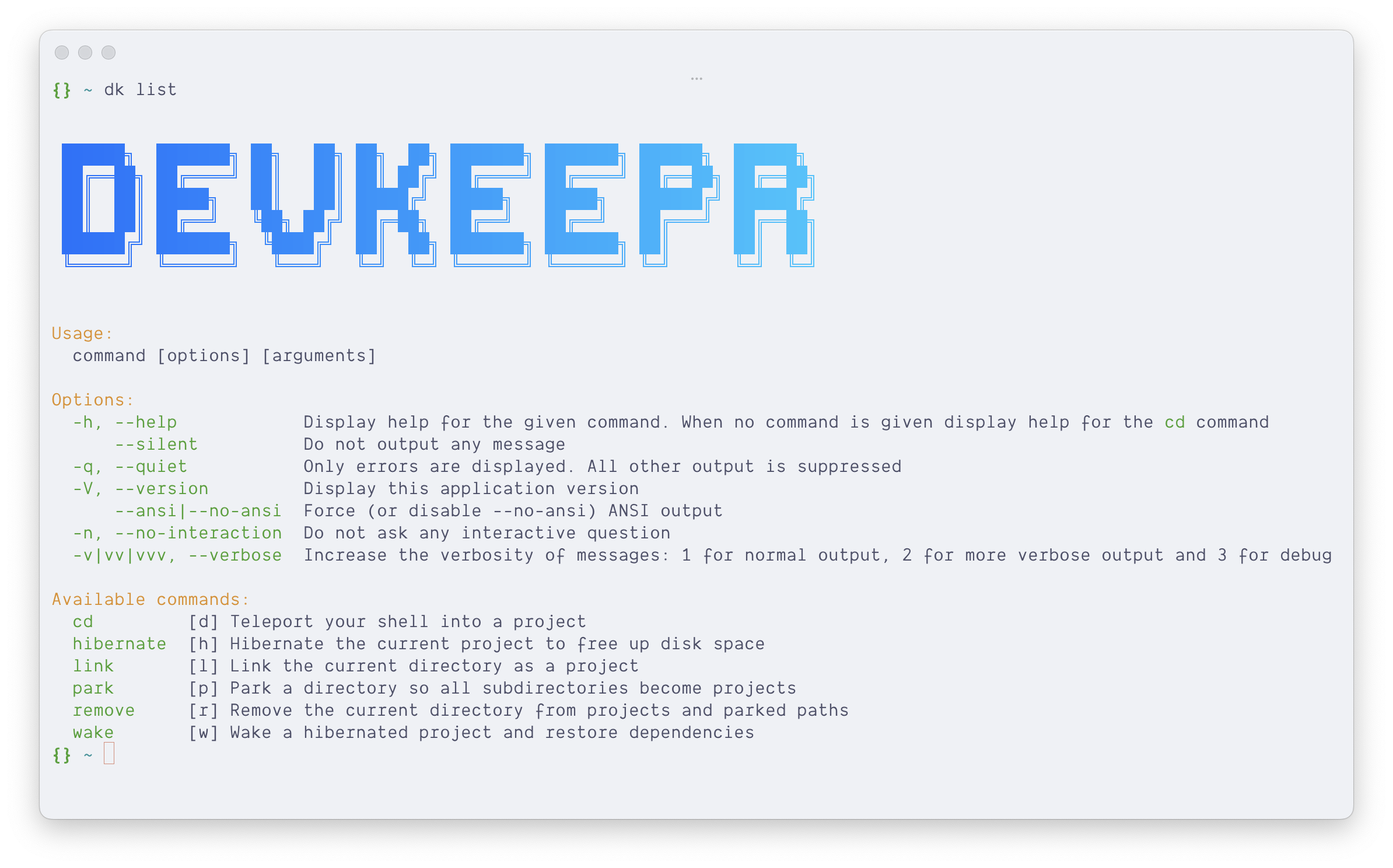
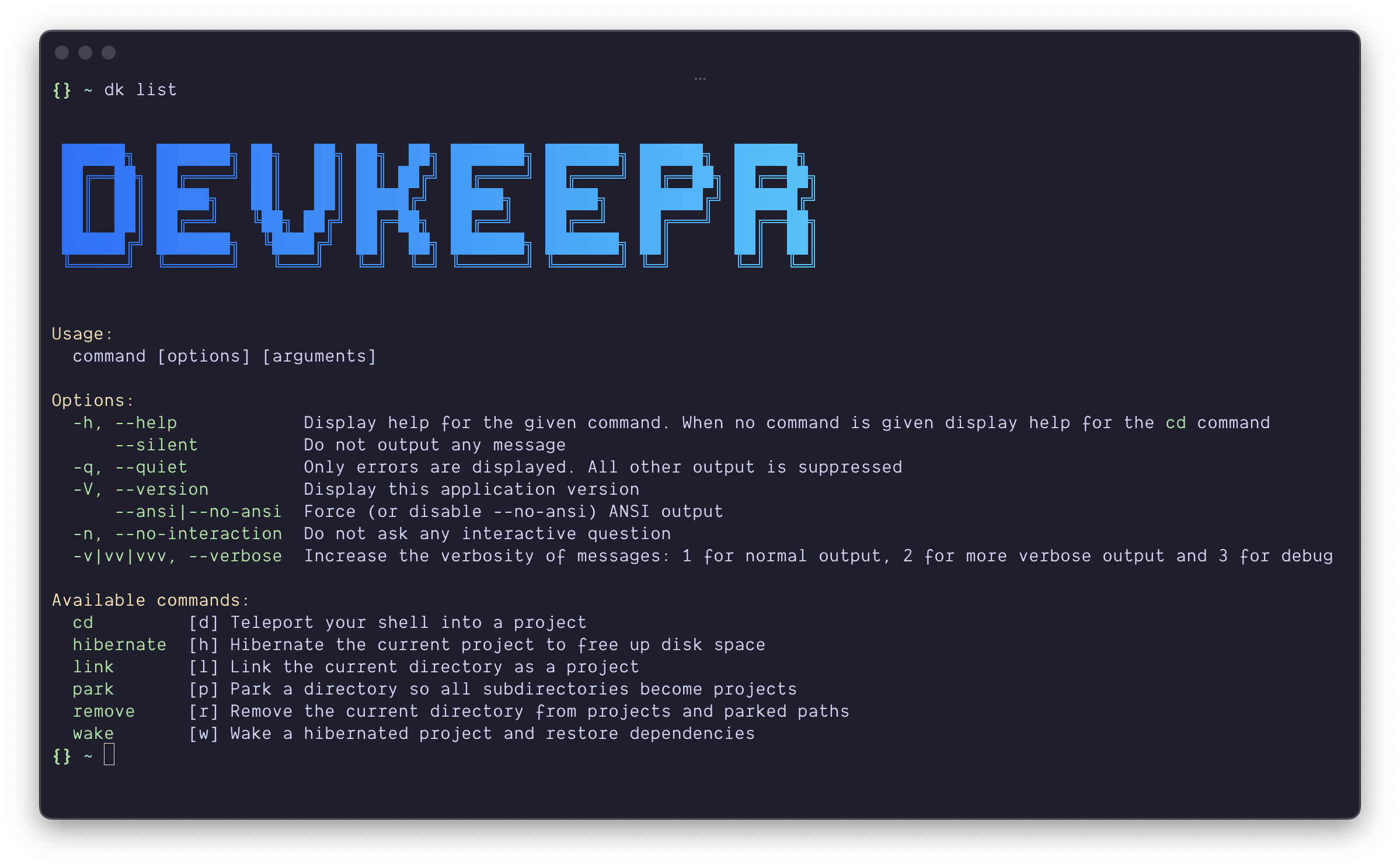
Run the list command to verify everything is working 🧑🍳😙🤌
Wrapping Up
Apart from the server, none of this requires special NativePHP features. It's PHP, bash, SQLite, and HTTP, wired together in a way that turns a desktop application into something you can fully drive from your terminal.
And while Laravel Prompts is a great fit here, you could swap it for any CLI framework. Bubbletea, ratatui, or just plain bash. The architecture doesn't care what draws the UI. The world is your oyster 🦪
— Willem